What I've Been Building
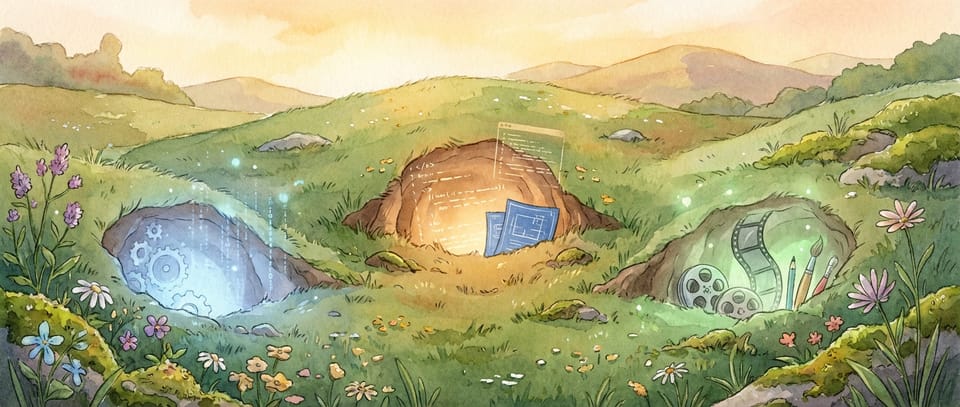
I've fallen down three different rabbit holes recently, and I'm not sure I want to climb out of any of them.
As a teacher experimenting with AI, I hear about new tools constantly. But it's rare to see how they actually fit together in someone's day-to-day practice. So rather than a deep tutorial on any one thing, this is a quick tour of what I've been doing, and what I'll be writing about in more detail soon. You don't have to be a teacher, though, to benefit.
Automating the boring bits with n8n

One of my ongoing problems is keeping track of everything I read, watch, and listen to. Articles, YouTube videos, PDFs, research papers... the volume of useful content in the AI space alone is overwhelming. I've been using Recall.ai to help. It's a tool that summarises online content and organises it into a personal knowledge base automatically. Feed it a video or article and you get a concise summary, tagged and connected to everything else you've saved.
The problem was getting those summaries into Tana, my second brain, where I actually organise and work with my notes. That's where n8n comes in. It's an open-source automation platform, and I've built a workflow that takes the processed content from Recall.ai and uploads it into Tana automatically. No copy-pasting. No forgetting to save something three days later.
(I should mention: meeting transcription is a separate rabbit hole. I use Plaud for that, which also feeds into Tana. At some point I'll write about that setup too.)
It's not glamorous work. But it's the kind of workflow that quietly saves hours over a term. And once you've built one automation like this, you start seeing opportunities everywhere.
I'll write a proper setup guide for this one soon. It's more accessible than it sounds and, although some people say it's unnecessary in the age of AI agents, until everything can be accessed fully through MCPs and APIs it's a very useful workflow.
Building student resources with Claude Code
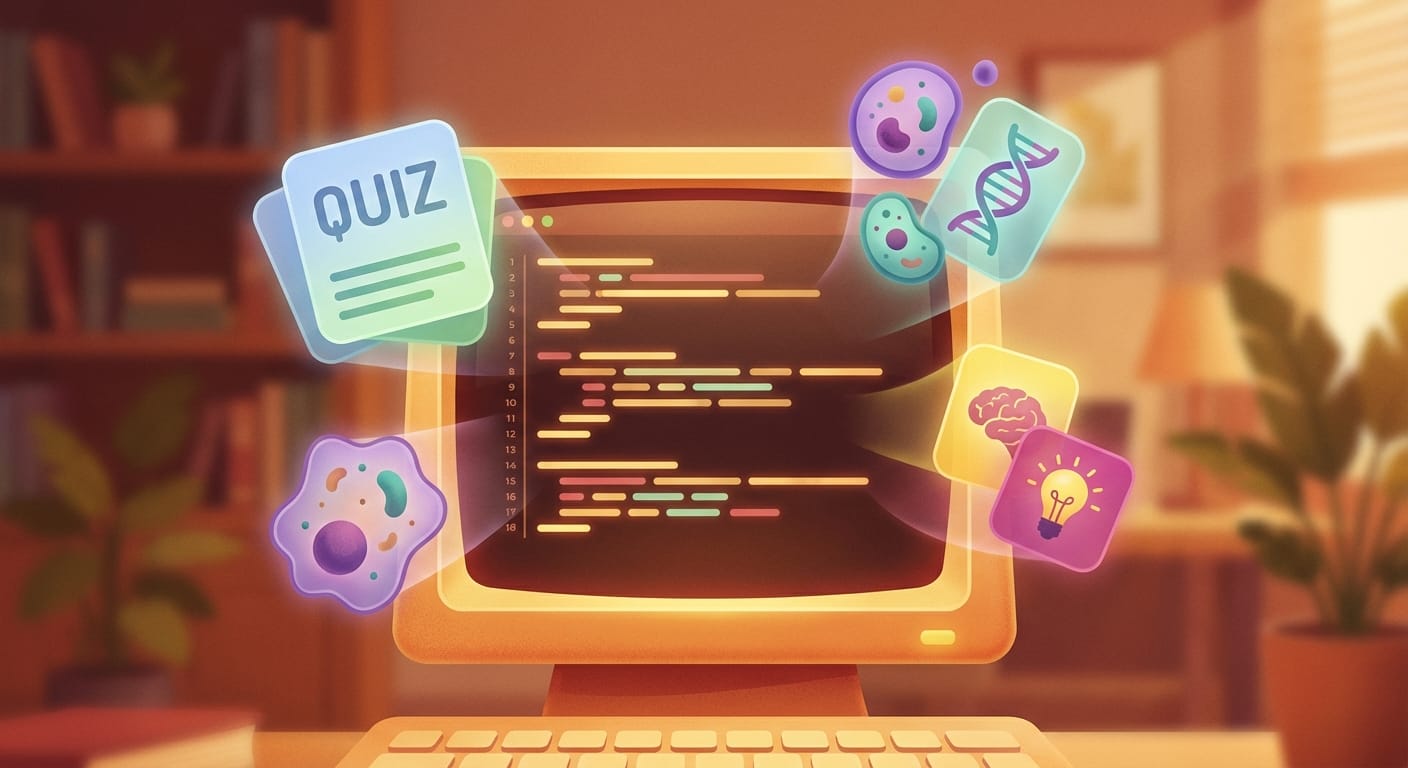
This is the rabbit hole I've fallen deepest into, so far.
Claude Code is Anthropic's command-line tool for working with Claude directly in your development environment. I've been using it to build interactive revision sites for my Psychology and Biology students, complete with quizzes, practice activities, and content tailored to NCEA standards (the exam system used in New Zealand, but really could be tailored to any course).
The results are good. Very good.
What would have cost thousands of dollars in developer time, or required skills I simply don't have, I've been able to create for the price of a monthly AI subscription.
The Psychology site has self-marking practice questions. The Biology site has interactive experiment simulators. These are resources I can actually use with students, not proof-of-concept demos. And the sites have all been built based on science of learning principles.
I won't pretend there's no learning curve. There is. But I'll be honest about something else: it's genuinely fun. There's something addictive about describing what you want, watching it appear, testing it, refining it. My ADHD brain has latched onto this in a way that means I've lost more sleep than I should probably admit.
One thing that's been unexpectedly valuable is being to create skills (scripts that run for repeatable tasks. one of my first is journalling. When I type /journal Claude Code connects directly to Tana via a local API, so at the end of every session I can log exactly what was built, what decisions were made, and what's next. It sounds like a small thing, but having a complete record of every project session, searchable, tagged, linked to the day it happened, means I never lose track of where I left off. And it's a pattern I'd recommend to anyone working on complex projects: if your tools can talk to each other, make them. You quickly learn that memory is very important with the latest AI models!
The practical upside is real. I'm producing resources that work, that are aligned to what my students need, and that I control completely. No subscription to a platform that might change its pricing. No waiting for someone else to build what I need. And bespoke for my learners.
More detailed posts on specific builds are coming, including how the sites are structured, what the AI marking looks like under the hood, and what I'd do differently if I started again.
Gemini Ultra and cinematic videos

This one is newer. I've just started exploring Google's Gemini Ultra plan, specifically the cinematic video feature in NotebookLM.
The idea is straightforward: you feed NotebookLM your source material (research papers, notes, course content) and it generates a narrated video with AI-generated visuals. Think of it as a visual explainer, created from your own resources.
I'm still in the early stages of testing this. I've been generating different visual styles from the same notebook to see what works and what doesn't. Some results are surprisingly polished. Others are... interesting. I'm not yet sure how consistently useful this will be for teaching, but the potential is there.
I should be transparent. I still prefer Claude as my primary AI tool. The depth of reasoning and the way it handles complex tasks is, in my experience, ahead of what I've seen elsewhere. But Google's video capabilities are doing something genuinely different, and it's worth exploring.
I'll write a proper comparison post once I've finished testing all the styles. That one will have the actual videos so you can judge for yourself.
What's next
Each of these rabbit holes deserves its own deep-dive. I'm planning detailed setup guides: how to build the automations, how to get started with Claude Code for resource creation, and what the cinematic video workflow actually looks like in practice.
Some of these will be subscriber-only content, though still free! The detailed, step-by-step guides take significant time to put together, and I want to make sure they're genuinely useful rather than rushed. Subscribing is how you let me know the work is worth doing. That's the return.
The pace of change in this space means there's always something new to write about. That's both exciting and slightly exhausting (my Ōura ring tells me I need more sleep), but I'd rather be experimenting and sharing what I find than watching from the sidelines.
More soon.
Until next time, Ngā mihi
Eliot